
Small products,
worn for real.
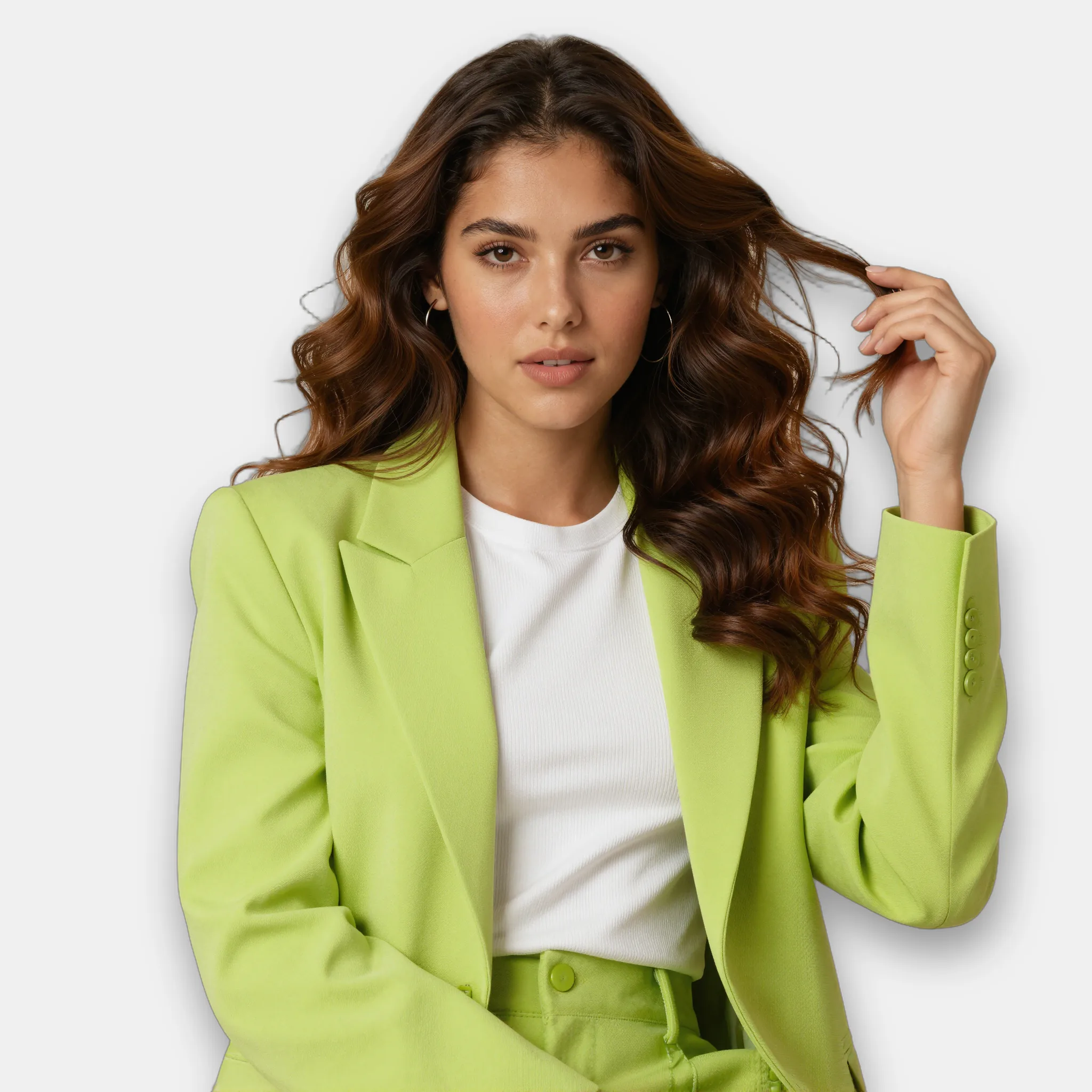
Put earrings, bags and eyewear on a model from a single product shot, then upscale so the stones and stitching hold up close.
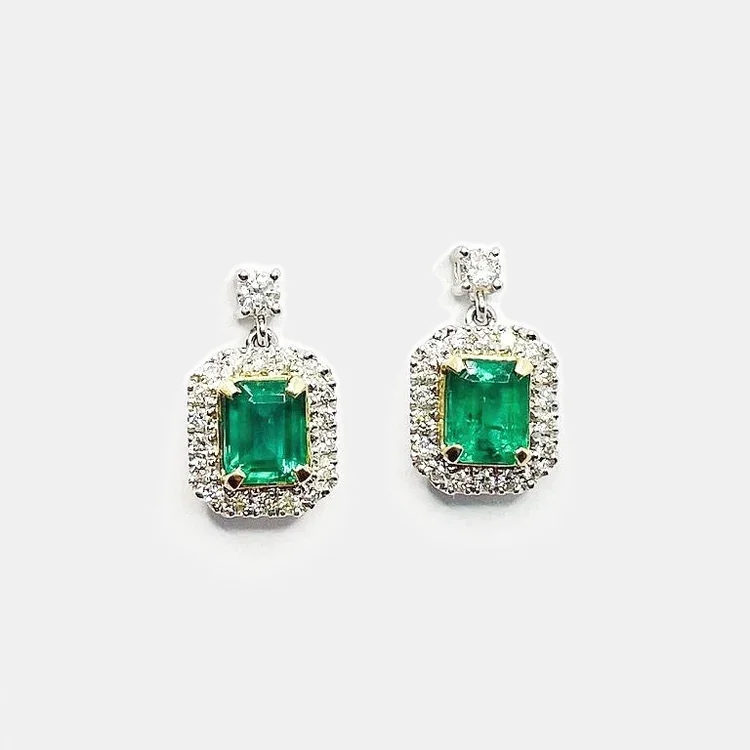
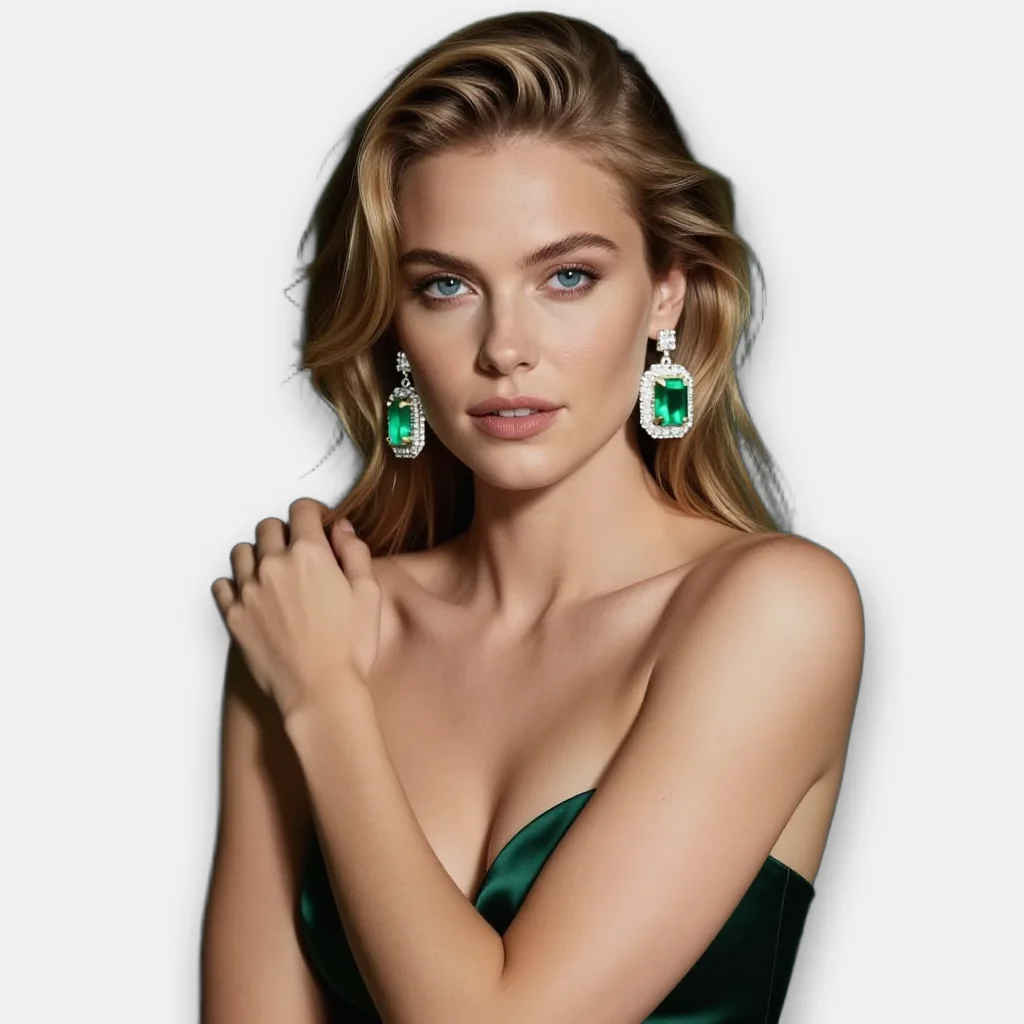
Worn shots: earrings
Generate the model with instamodel, then pass the model and the product together as input_image and say how it is worn. Shape, colour and setting come from your photo.
{
  "input_image": [
    "https://cdn.brand.com/models/beauty-01.png",
    "https://cdn.brand.com/sku/pink-drop-earrings.png"
  ],
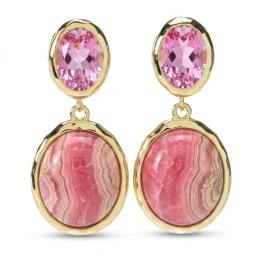
  "prompt": "she is wearing the earrings from image 2",
  "output_format": "webp"
}
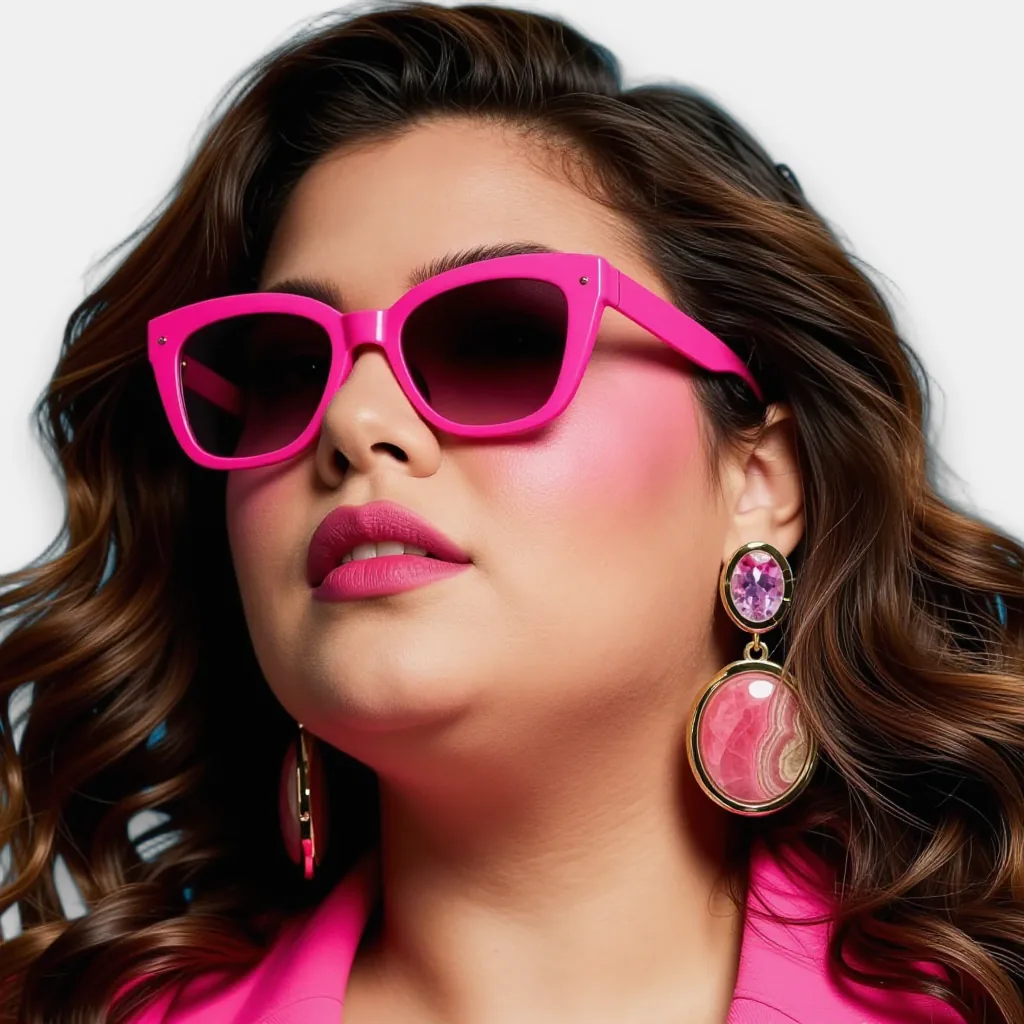
Worn shots: eyewear
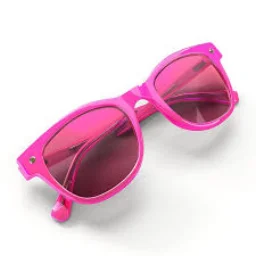
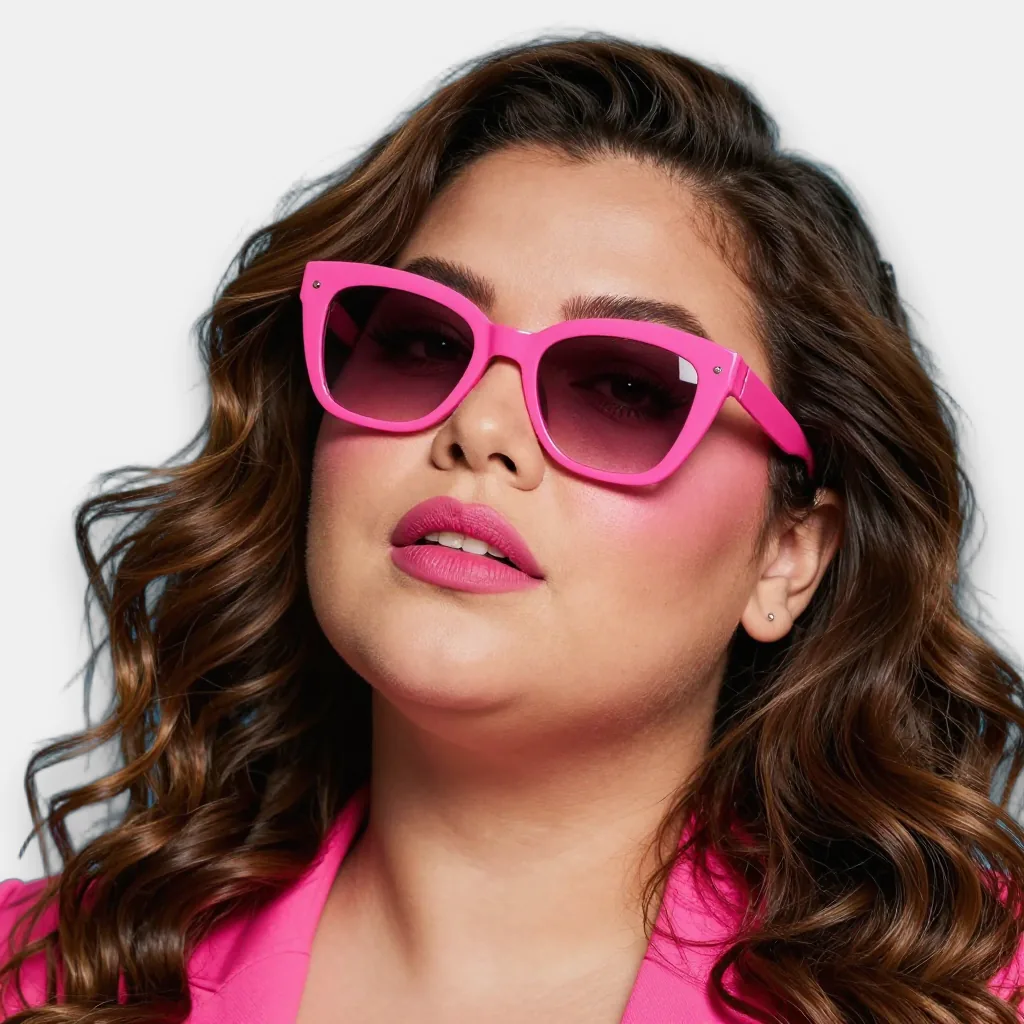
Frames sit on the face at the right scale and angle, and the lens tint and colour match the product shot.
{
  "input_image": [
    "https://cdn.brand.com/models/beauty-01.png",
    "https://cdn.brand.com/sku/pink-cat-eye-sunglasses.png"
  ],
  "prompt": "she is wearing the sunglasses from image 2",
  "output_format": "webp"
}
Held shots: bags and clutches
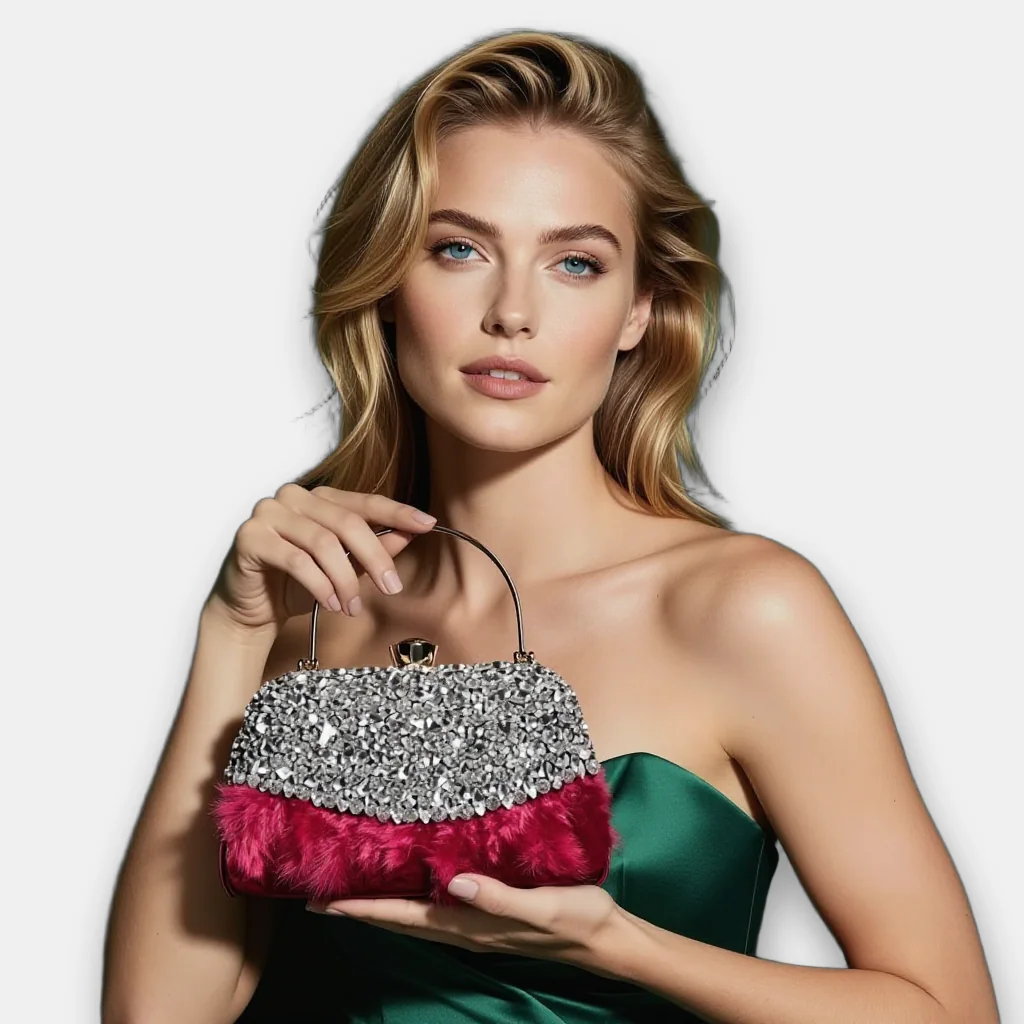
The same call places a bag in the model's hand, at a natural scale, with the product's hardware and texture intact.
{
  "input_image": [
    "https://cdn.brand.com/models/model-017.png",
    "https://cdn.brand.com/sku/crystal-clutch.png"
  ],
  "prompt": "she is holding the clutch from image 2 at chest height",
  "output_format": "webp"
}
Detail that holds up close
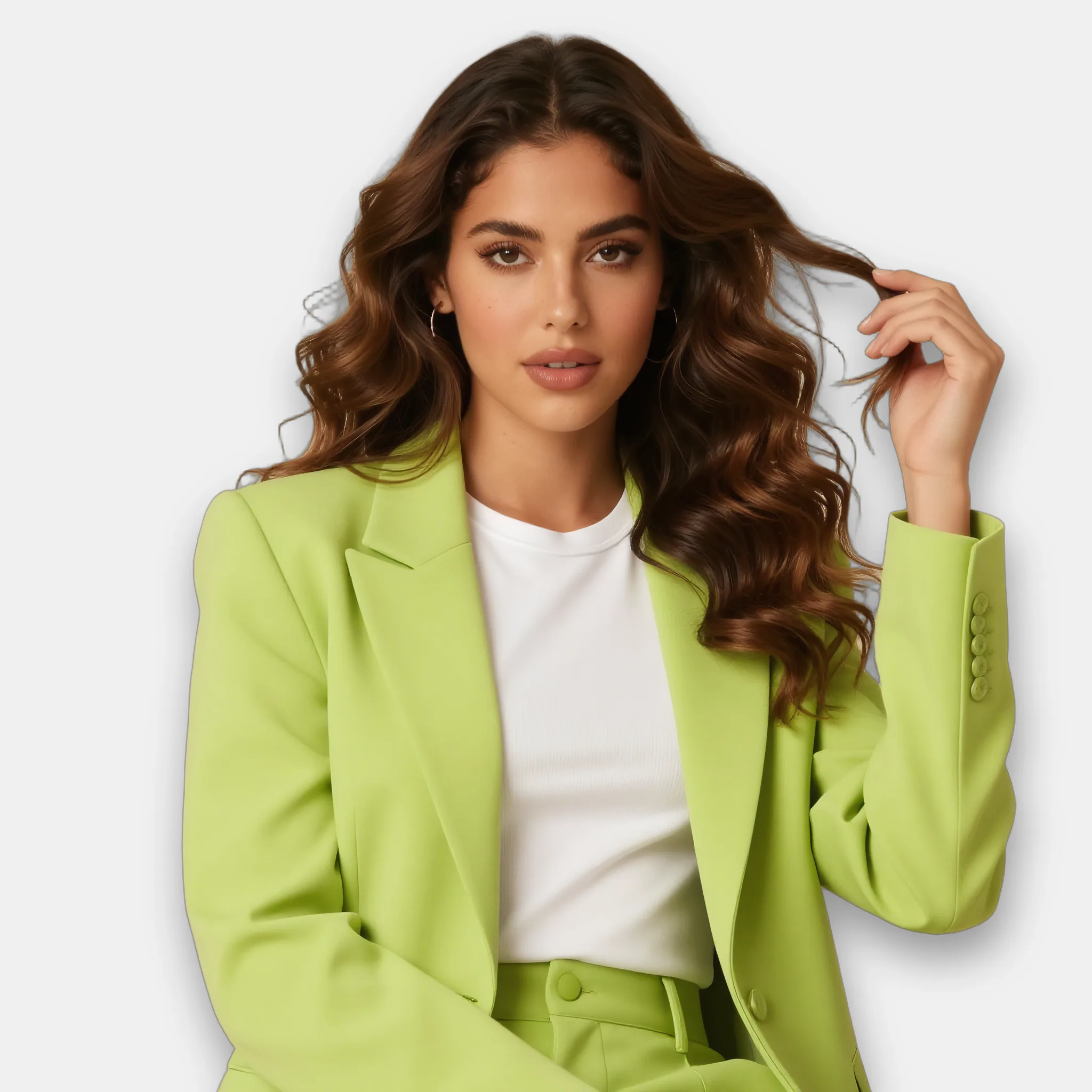
Run the final image through upscale to sharpen skin, hair and fine texture before it goes on a zoomable product page.
{
  "input_image": "https://cdn.brand.com/renders/look-04.png",
  "width": 2048,
  "height": 2048,
  "output_format": "webp"
}
One key. Async jobs.
Every call takes an X-API-Key header and returns a job_id. Poll the status endpoint, or pass a callback_url and get a webhook when the job completes or fails.
Try it on your own catalogue.
Bring a few product photos. We will run them through these endpoints with you.