
A uniform catalogue,
at any size.
Bring seller photos to one backdrop, upscale low-resolution uploads, and run the whole catalogue as async jobs with webhooks.
POST/background/change/image/v1POST/upscale/image/v1POST/upload/image/v1


POST/background/change/image/v1
Step 01
One backdrop for every listing
Describe the backdrop your catalogue uses. The subject, pose and product stay as shot, the background changes.
POST/background/change/image/v1
$POST/background/change/image/v1
{
  "input_image": "https://cdn.brand.com/listings/88214.jpg",
  "prompt": "clean light grey studio backdrop, soft floor shadow",
  "output_format": "webp",
  "callback_url": "https://hooks.brand.com/lastshoot"
}

POST/background/change/image/v1
Step 02
Upscale low-resolution uploads
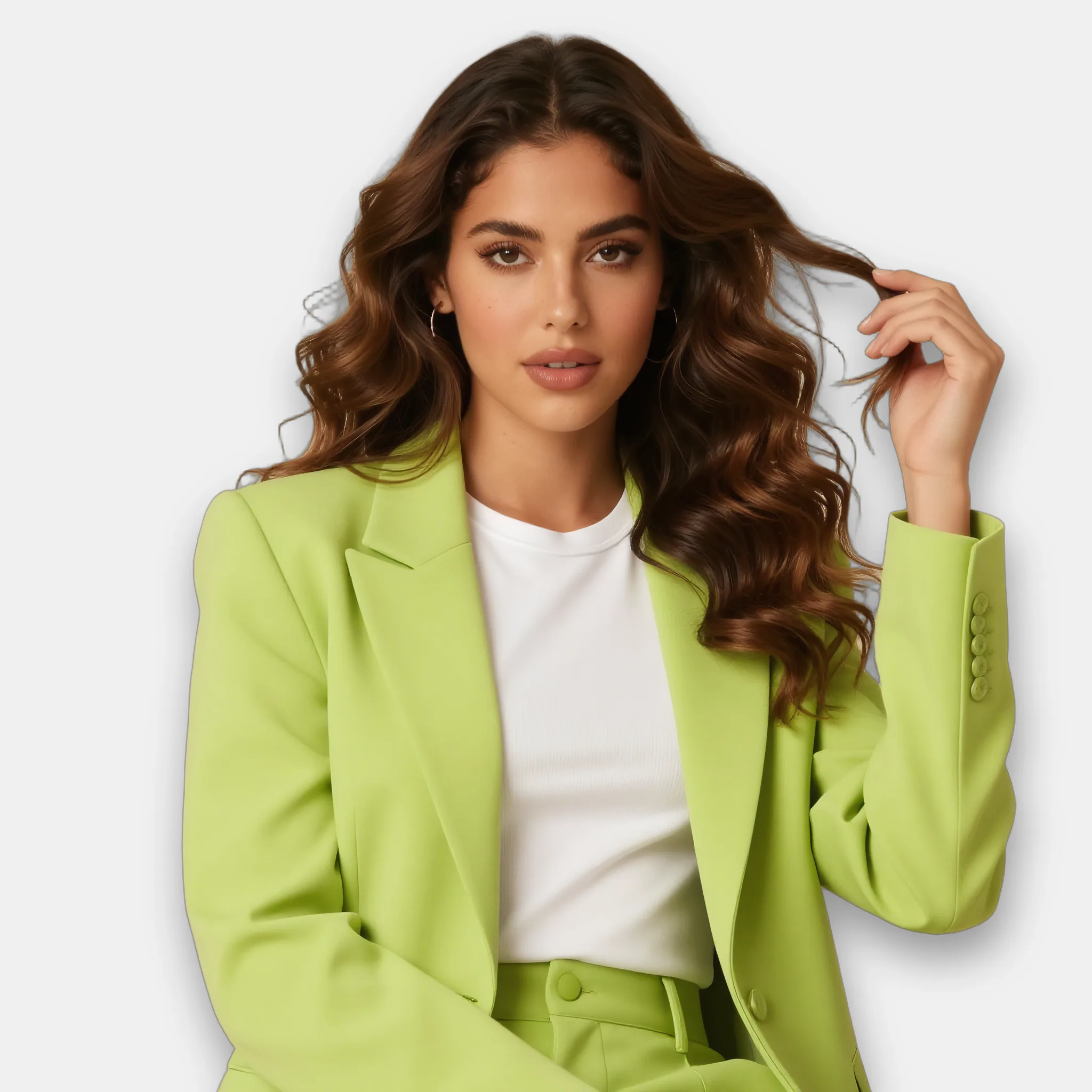
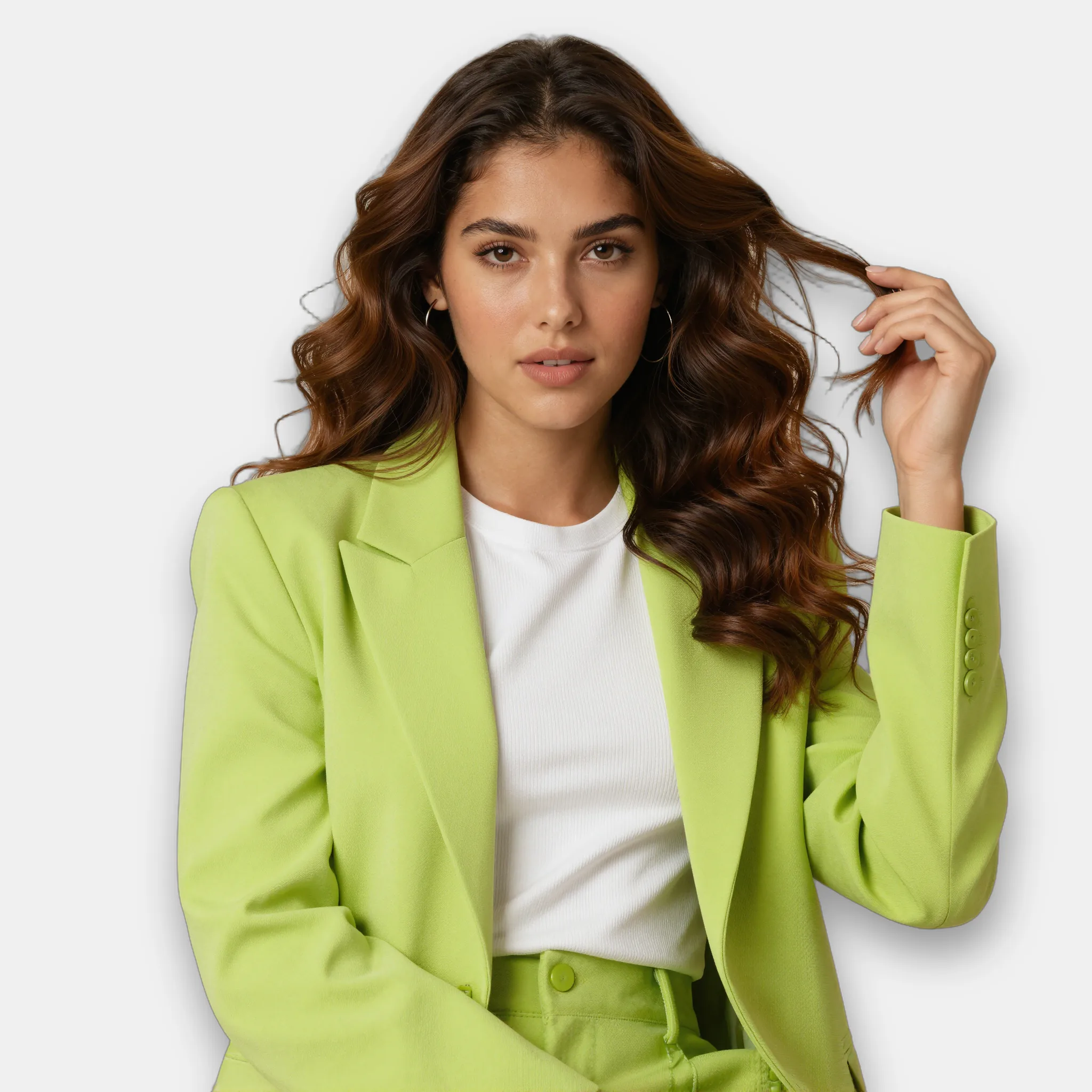
Bring small or soft seller images up to 2048 px with sharper detail, so every listing can use the same zoom.
POST/upscale/image/v1
$POST/upscale/image/v1
{
  "input_image": "https://cdn.brand.com/listings/88215.jpg",
  "width": 2048,
  "height": 2048,
  "output_format": "webp"
}
POST/upscale/image/v1
Step 03
Upload files you do not host
Have images that are not on a public URL yet? Upload the file and pass the returned url to any endpoint.
POST/upload/image/v1
$POST/upload/image/v1
-F "file=@listing-88216.jpg"


POST/upload/image/v1
The code
Read the docsOne key. Async jobs.
Every call takes an X-API-Key header and returns a job_id. Poll the status endpoint, or pass a callback_url and get a webhook when the job completes or fails.
batch.sh
1# 1. Upload a local file, get back a url
2curl https://api.lastshoot.com/upload/image/v1 \
3 -H "X-API-Key: $LASTSHOOT_API_KEY" \
4 -F "file=@listing-88216.jpg"
5
6# 2. Queue the job. The webhook fires when it completes or fails.
7curl https://api.lastshoot.com/background/change/image/v1 \
8 -H "X-API-Key: $LASTSHOOT_API_KEY" \
9 -H "Content-Type: application/json" \
10 -d '{
11 "input_image": "<url from step 1>",
12 "prompt": "clean light grey studio backdrop, soft floor shadow",
13 "output_format": "webp",
14 "callback_url": "https://hooks.brand.com/lastshoot"
15 }'
16
17# Async: the call returns a job_id. Poll, or wait for the webhook.
18curl https://api.lastshoot.com/background/change/image/v1/status/$JOB_ID \
19 -H "X-API-Key: $LASTSHOOT_API_KEY"
Try it on your own catalogue.
Bring a few product photos. We will run them through these endpoints with you.